Time blocking
Time blocking for brains that don't run on schedules.
Every 2027 day page has hourly blocks from 6am to 10pm, with three priorities at the top. Only those three get a block. Everything else goes to the brain-dump inbox, one tap away, so the hour column stays readable.
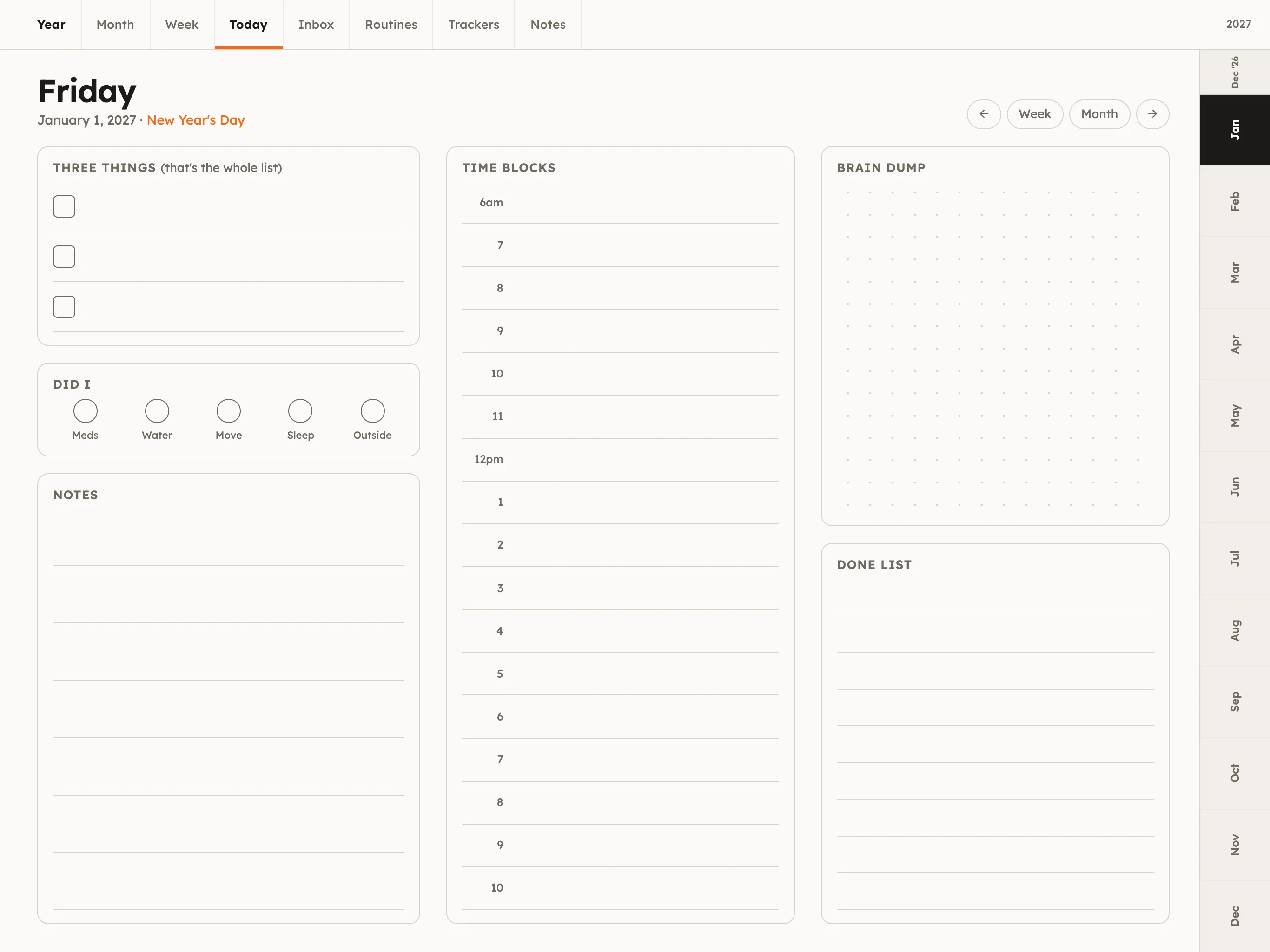
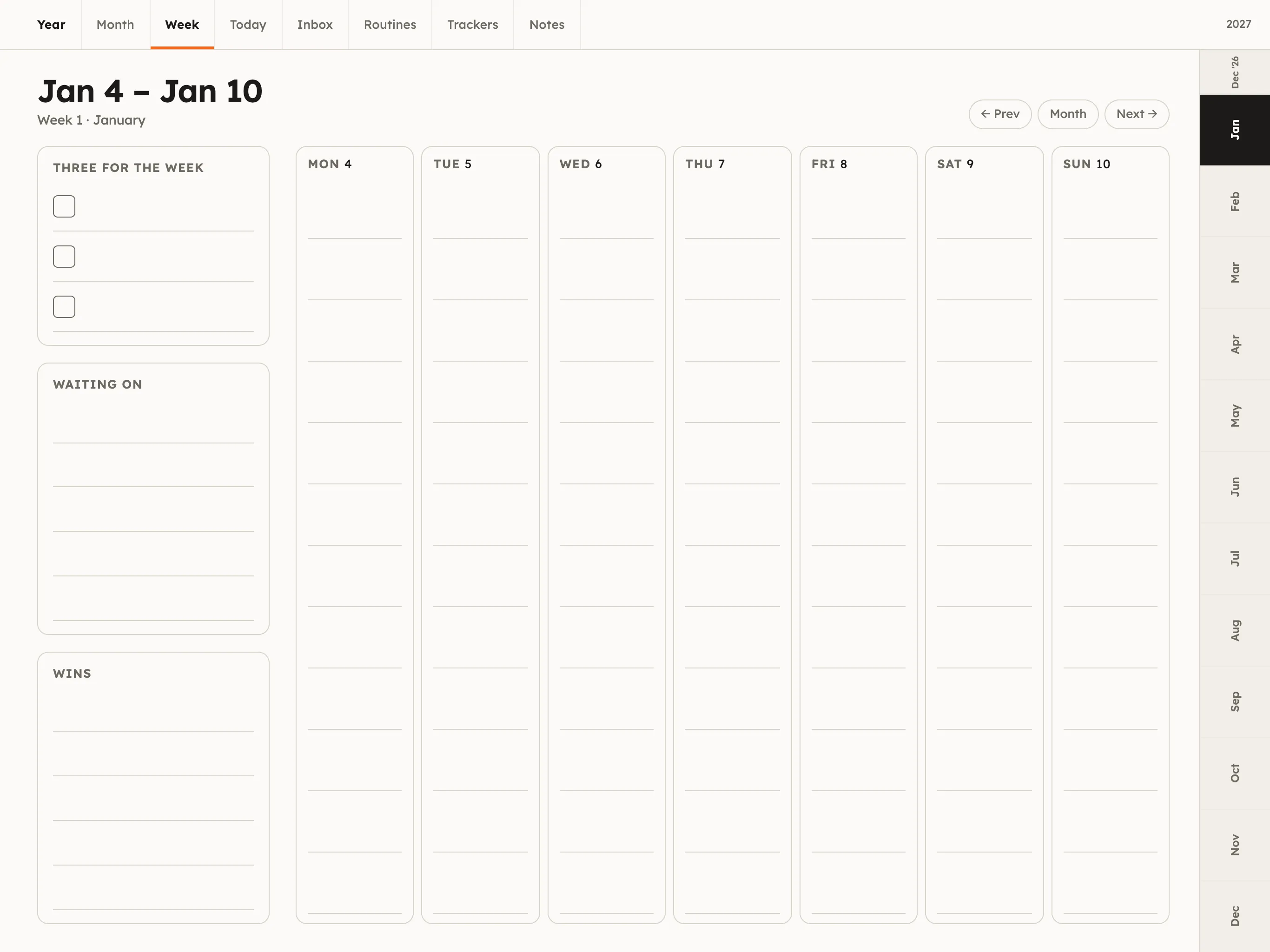
What time blocking is, and the ADHD version
Time blocking means giving tasks a time on the calendar instead of a place on a list. It works because it makes the day's real capacity visible: eight tasks do not fit in three free hours, and a list never tells you that.
The usual advice is to block every hour. For ADHD brains that tends to last until the first thing runs late, and then the whole page looks wrong. The version that holds up is looser: block only your three priorities, double every time estimate, and leave one block empty to catch the overrun.
Time block a day in five minutes
Works on paper too. The free 2027 printable calendars pair with a day sheet if you'd rather plan away from the screen.
Write the three things first
Before touching the time blocks, write today's three priorities at the top of the day page. Only these get blocks.
Block the fixed stuff
Shade in what can't move: work hours, appointments, school runs. Now you can see how much time is actually free.
Give each of the three a block
Put each priority in a free block, in pencil or a light highlighter. Double your first estimate; ADHD time guesses usually run short.
Leave one block empty
An empty hour after lunch or late afternoon catches the overrun. Without it, one late task knocks the whole day over.
Move blocks, don't abandon the day
When something runs long, drag the next block later or to tomorrow. A moved block isn't a failure; it's the plan working.
Time-blocking questions
What is a time-blocking planner?
A time-blocking planner gives each day an hour-by-hour column so you can assign tasks to specific times rather than keeping them on a list. Instead of "write report" you plan "write report, 10 to 11:30". It turns a to-do list into a schedule you can see.
Does time blocking work with ADHD?
It can, if it is loose. Blocking every hour tends to fail on the first overrun. Blocking only your top three tasks, doubling time estimates and leaving an empty buffer block works better for many ADHD adults, because it shows the shape of the day without demanding a perfect one.
What is the difference between time blocking and a to-do list?
A to-do list says what to do; time blocking says when. Lists are easy to make and easy to ignore. Blocks force the question of whether the day actually has room for everything on the list, which is usually the problem.
Can I time block in GoodNotes or Notability?
Yes. The Three Things planner is a hyperlinked PDF, so in GoodNotes, Notability, Samsung Notes or any other PDF app you write or highlight directly in the hour column, and use the lasso tool to move a block when the day changes.
How long should a time block be?
Use one-hour rows as the grid and let tasks span as many as they need. For tasks you avoid, a short block (25 to 45 minutes) is easier to start than a long one. Put the first tiny step of the task in the block, not the whole project.
Is there a dated 2027 time-blocking planner?
Yes. The Three Things planner has 365 dated 2027 day pages (plus December 2026) with hourly blocks from 6am to 10pm, and an undated edition with the same layout, in light and dark mode.