GoodNotes and Notability
An ADHD planner that behaves in GoodNotes.
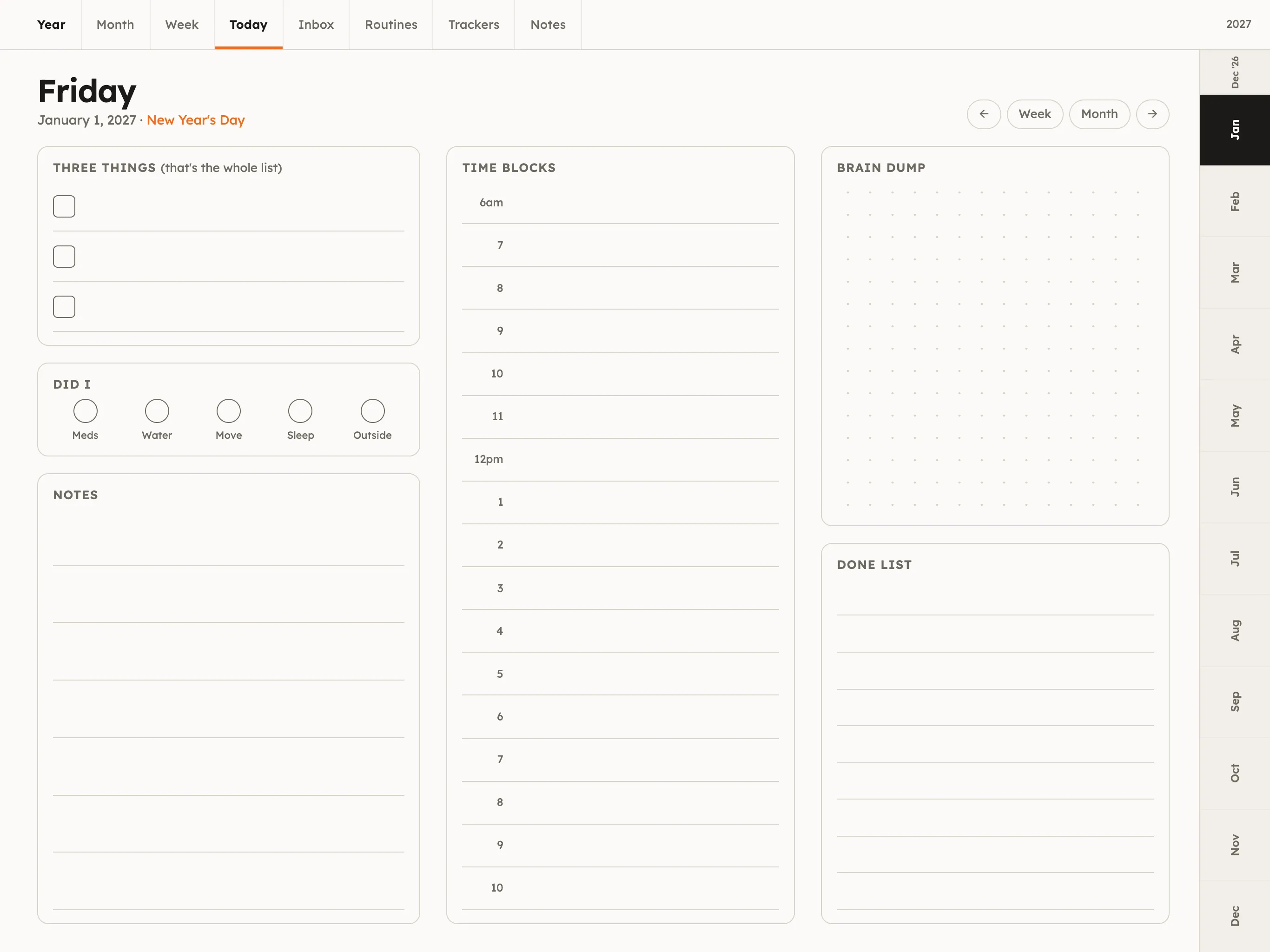
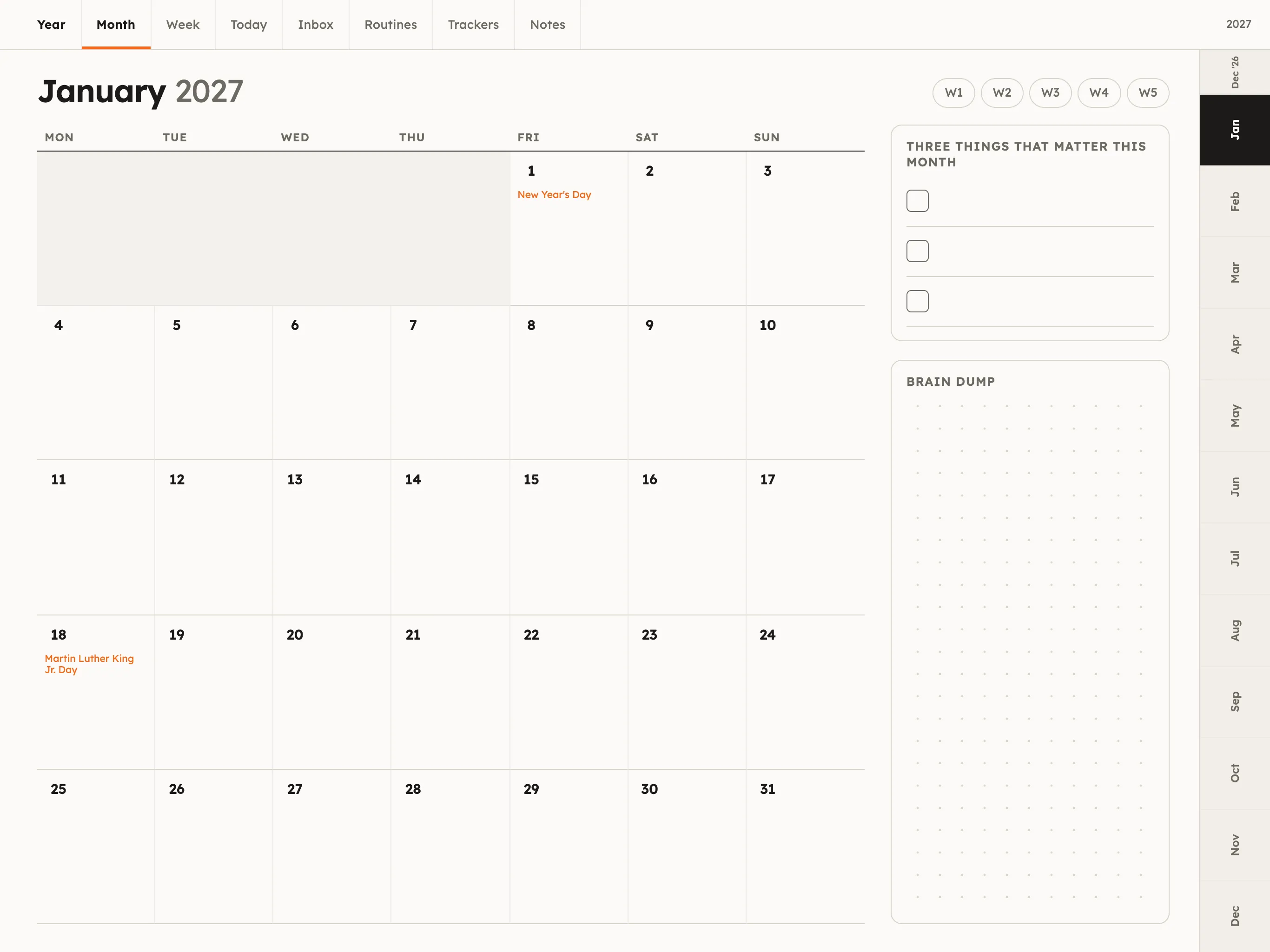
Tabs you can tap, pages you can duplicate, lines wide enough for a stylus, and a dark edition for the evenings. Built for GoodNotes 6 and Notability on iPad, and it opens in Samsung Notes, Noteshelf, Noteful, Xodo or any other PDF app.
Setup, five steps
Something not working? Email hello@threethings.example with the app name and iPadOS version and you'll get a reply from a person, usually the same day.
Download the PDF on the iPad
Open the Whop confirmation page in Safari (not the Whop app) and tap the edition you want. It lands in Files › Downloads.
Import into GoodNotes
In GoodNotes tap the + tile › Import, choose the file. Or long-press the PDF in Files › Share › GoodNotes. It imports as a document with every page.
Make the links tappable
GoodNotes: tap the pen to switch to the read-only hand tool (the hand icon in the toolbar) when you want to tap tabs; links also work while writing with an Apple Pencil if "Draw with finger" is off (Settings › Stylus & Palm Rejection). Notability: links work in the default view; disable "Finger drawing" in Settings › Handwriting.
Add pages when you run out
Long-press a page thumbnail › Copy, then Paste after any page. Brain dumps, notes and chunkers are made to be duplicated.
Switch to dark mode in December
It is a separate file, so import the dark edition when the evenings get long. Your writing does not transfer between files; most people switch at a month boundary.